Getting started
Everything you need to run all your WhatsApp numbers from one inbox. Watch the 20-second tour, then follow the steps.
Log in
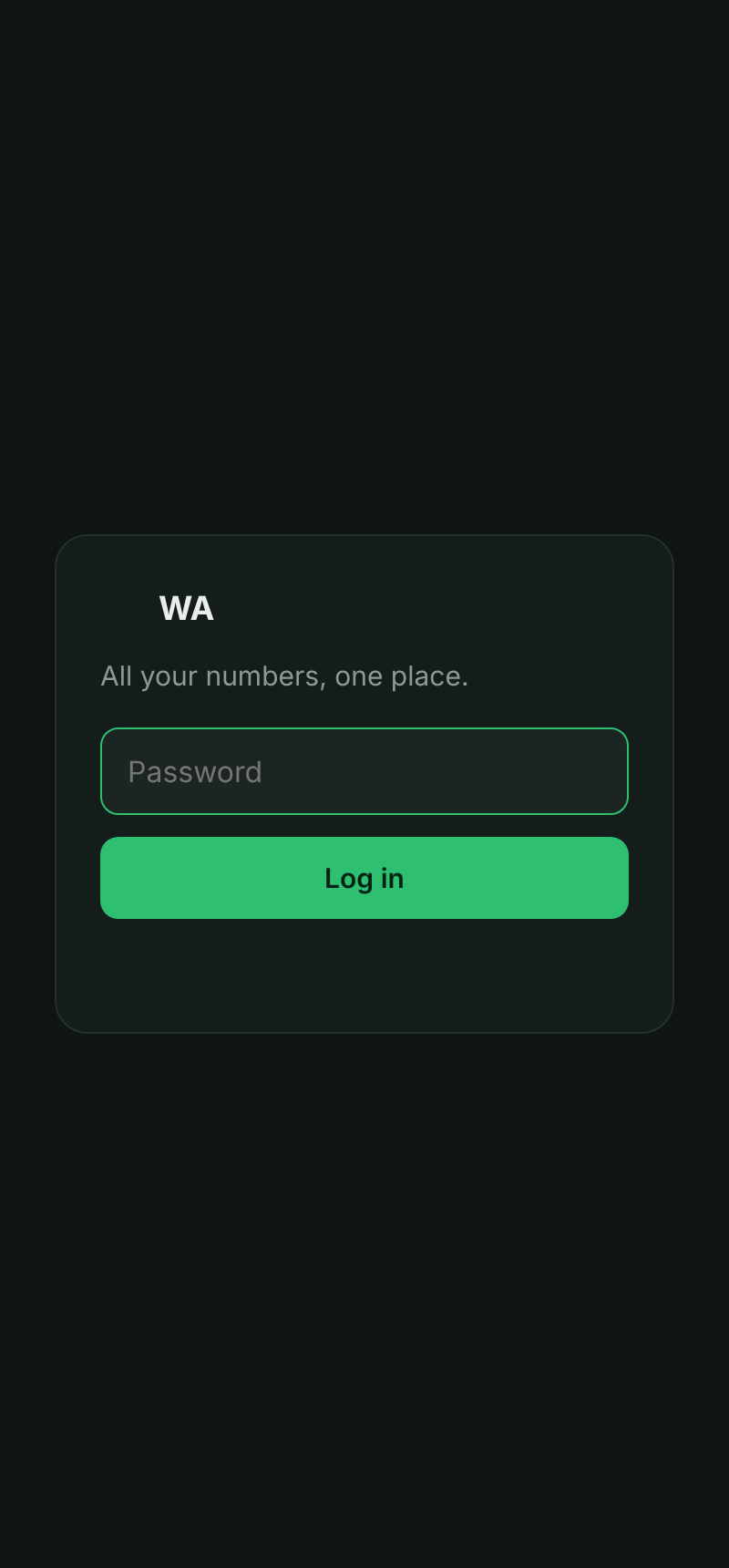
Open the link we gave you (e.g. yourcompany.hiddenwa.com) and enter your password. You'll get a 6-digit code on your linked WhatsApp the first time on a new device.
Link your WhatsApp number
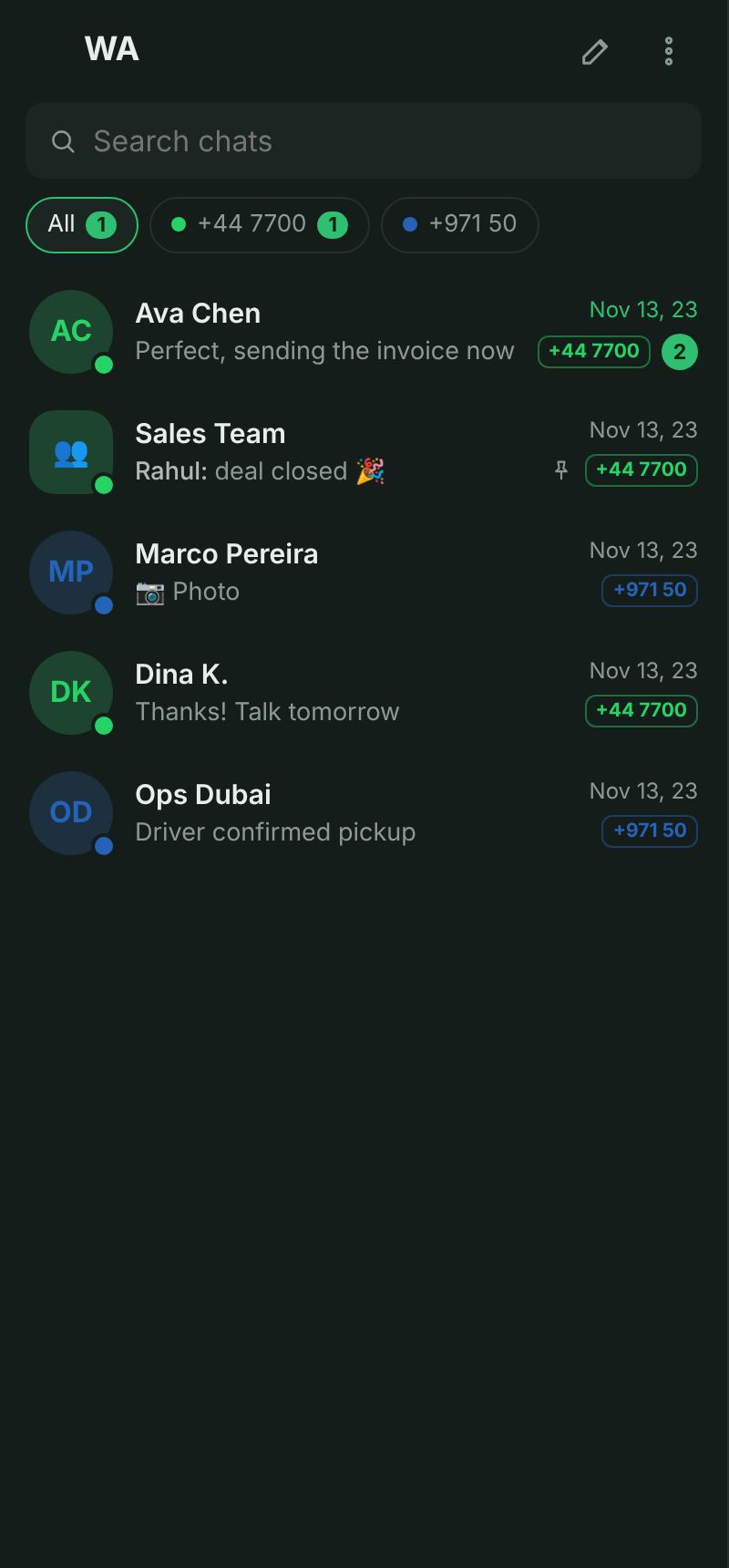
Open the ⋮ menu (top-right) → Numbers → Add. On your phone, open WhatsApp → Settings → Linked devices → Link a device, and scan the QR code shown. Repeat to add as many numbers as you like — each one gets its own filter in the inbox.
Reply & manage chats
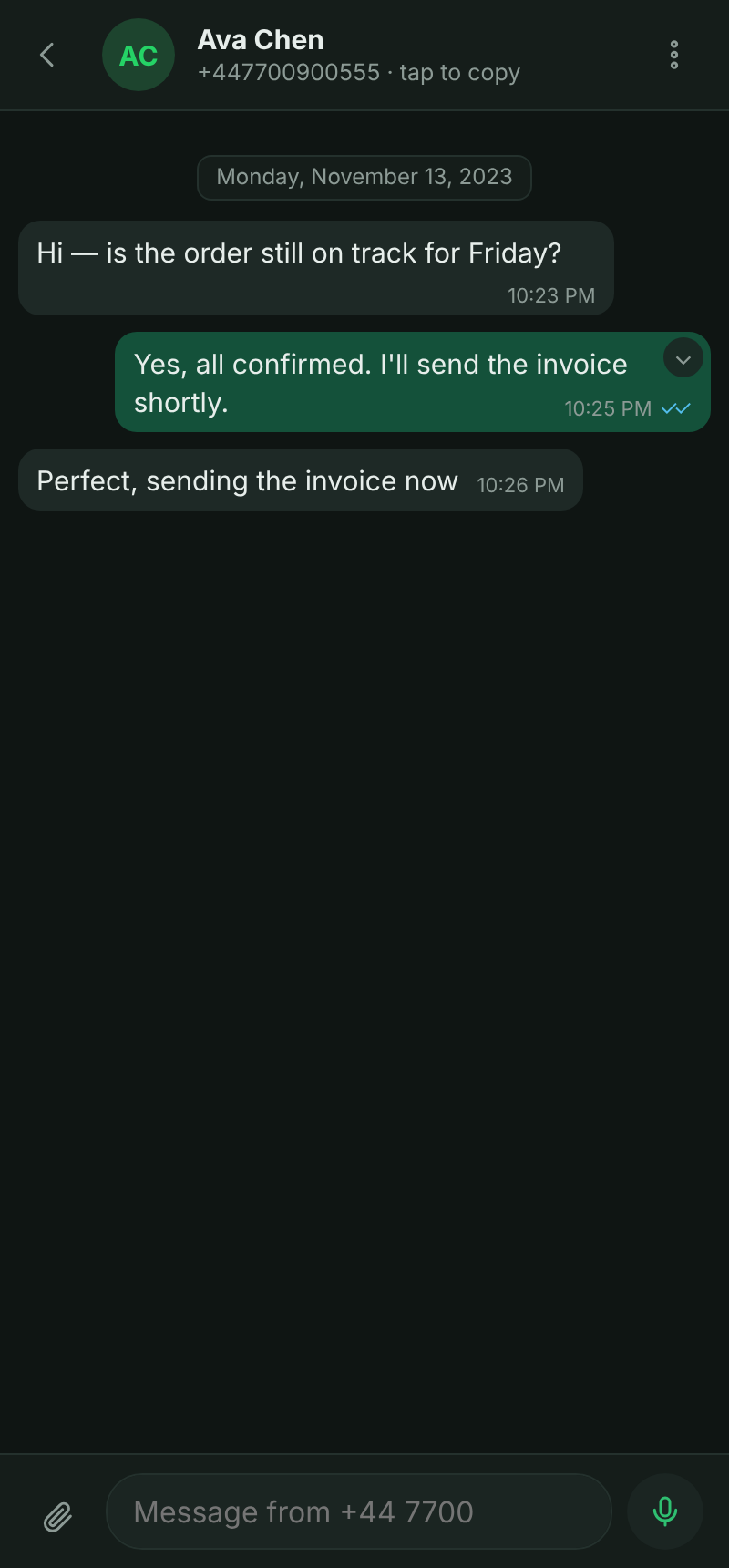
Tap any chat to open it. Send text, photos, voice notes, documents, reply, forward, @mention — everything you'd expect. Tap the number under a contact's name to copy it. Lock sensitive chats, archive, mute, or mark all read from the menu.
Team, settings & your data
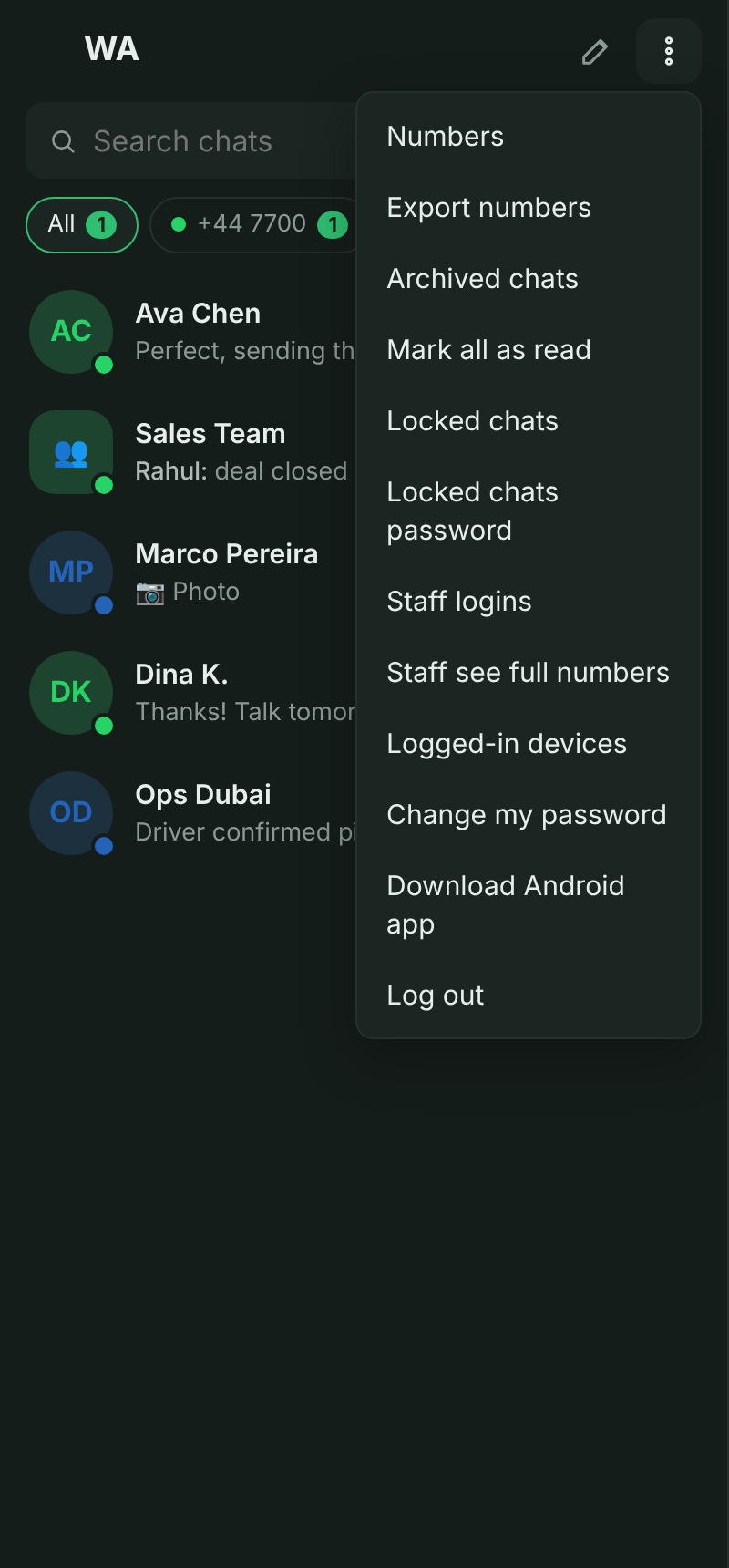
From the ⋮ menu: add Staff logins (each person gets their own login, their messages are tagged with their name, and you can hide customer numbers to the last 4 digits), Change your password, Export numbers to CSV, and manage logged-in devices.
Install the Android app
In the menu, tap Download Android app. It installs as an ordinary photo-gallery app called “Locked Photos” — open it, enter your PIN, and your full inbox is inside. Notifications say “new photos,” never WhatsApp.
Watch: how the PIN unlock & wipe works (with sound)